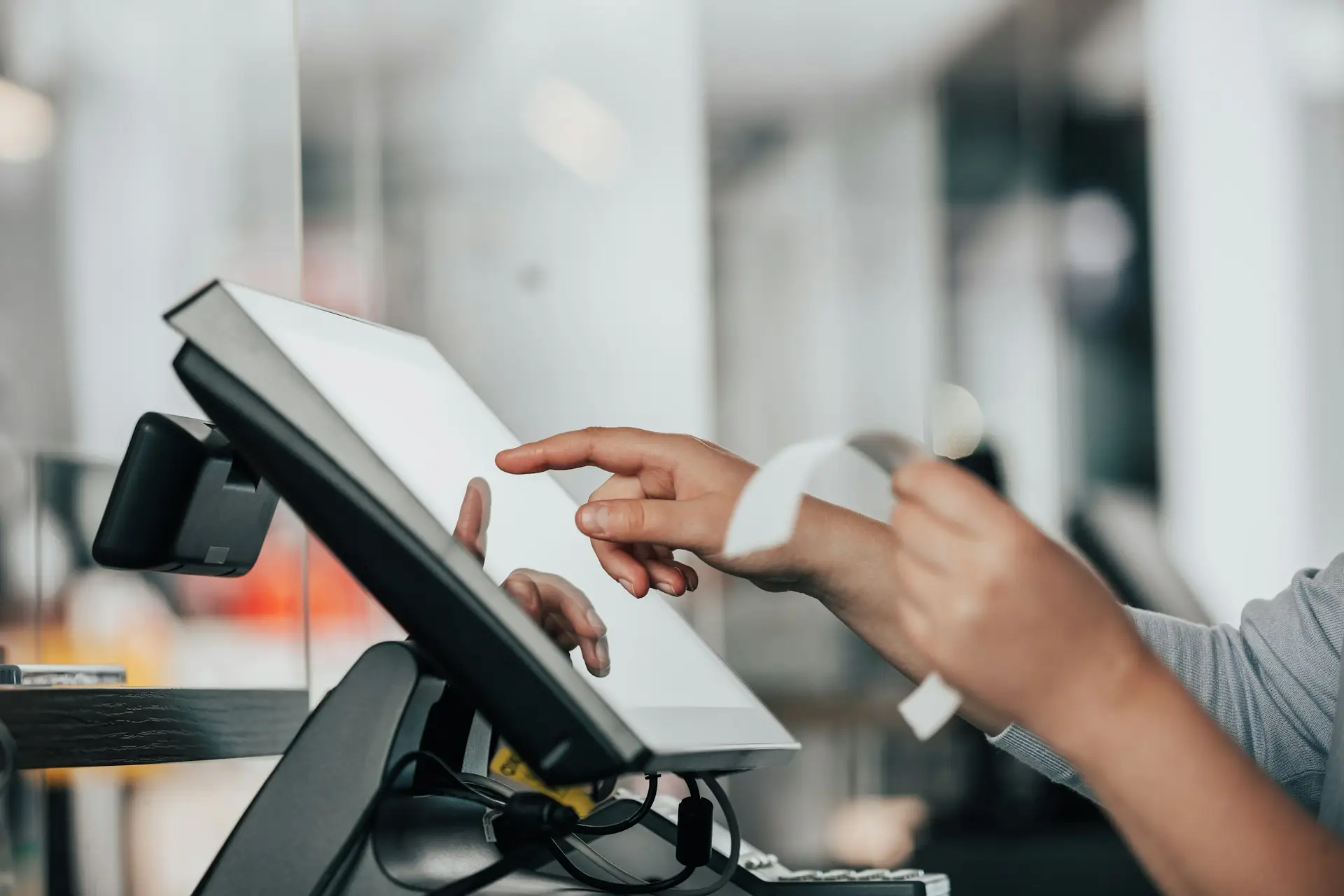
Hands using a touchscreen till as a receipt prints

Point-of-Sale and Business Software

Software and Systems

Every sale. Every item. Under control.

Reliable POS and stock-management solutions for retail, restaurants and services.

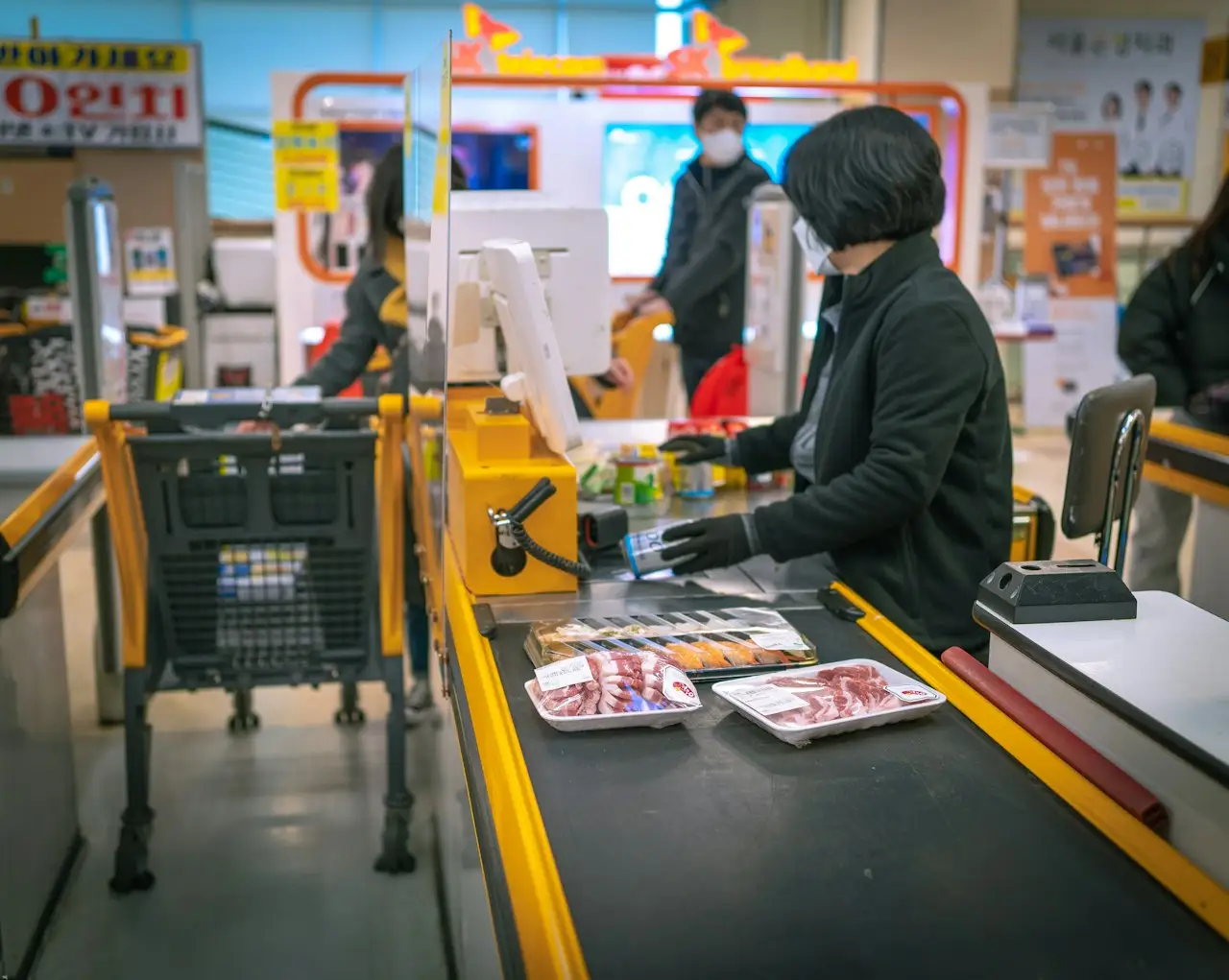
Cashier serving a customer at a supermarket till

Overview

Busy counters need software that keeps up. Our POS and stock solutions help teams serve faster, reduce errors and give managers a clear view of the business.

Our current POS, customer management and website system is live in a working restaurant. We configure solutions to suit your business, and advise honestly on what fits.

Problems we solve

Sound familiar?

  • 01Slow service at busy times
  • 02Stock that does not match what was sold
  • 03Paper tickets and manual totals
  • 04No clear view of daily performance
  • 05Staff struggling with complicated tools

What we do

Capabilities, sharpened.

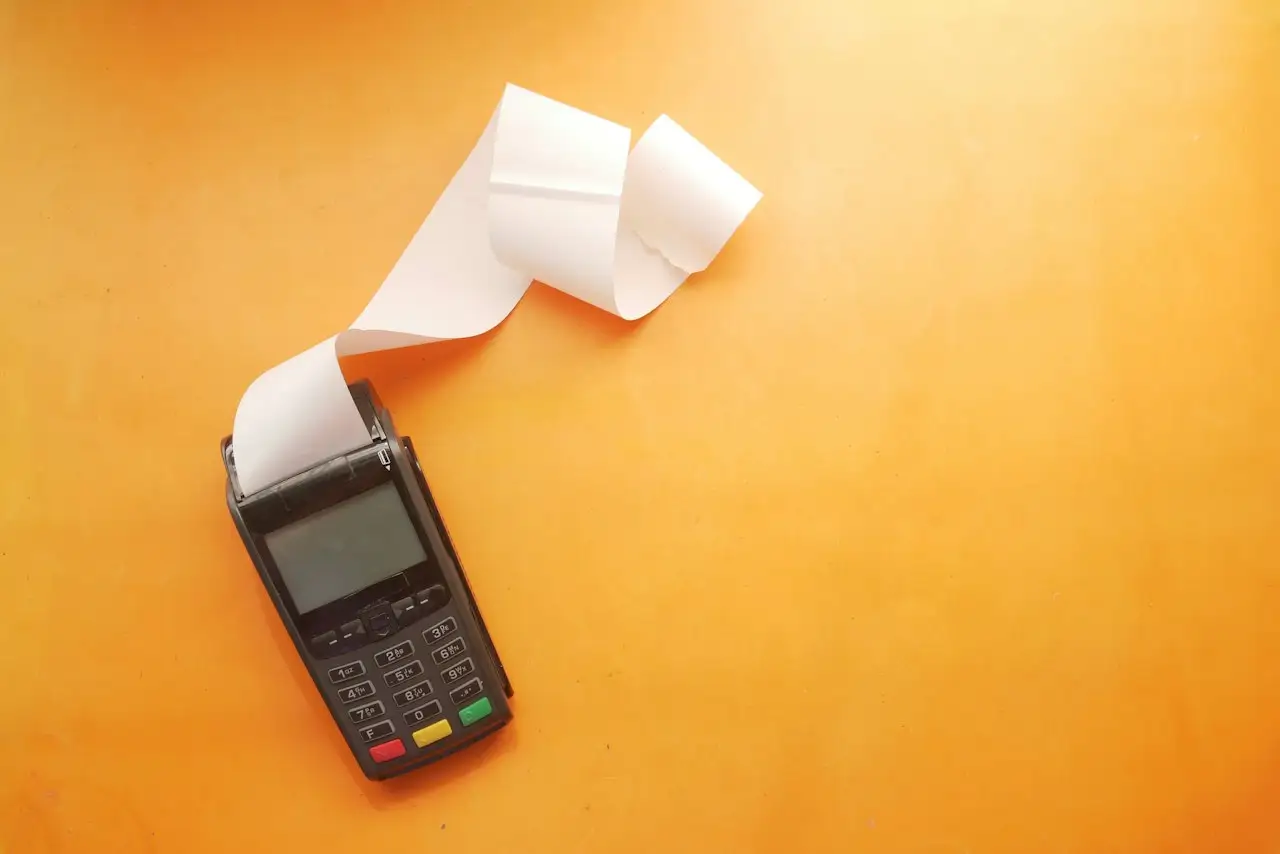
Card terminal printing a long receipt

Live checkout

Ring up a sale. Watch everything update.

Add items, choose how they pay, then charge. Stock, the kitchen and the day's report all respond.

Sample data
Café Example · Till 1Sample data
  • Flat white13.50
  • Chicken wrap17.00

Subtotal10.50

Total10.50

Kitchen display

  • Food orders appear here.

Stock

  • Flat white12
  • Low items flagged for reorder

Today's report

  • Sales412.60
  • Transactions37
  • Top itemFlat white

What a POS does

More than a till.

A point-of-sale system runs the front of your business and feeds the back office. Here is what ours is set up to do.

Serve customers quickly.

A clear, touch-friendly till that keeps queues moving at the busiest times.

  • Quick item buttons and search
  • Discounts and promotions
  • Cash, card and mobile payments recorded
  • Printed or digital receipts

Every setup is configured for your business, so you only get the features you need.

Hands using a touchscreen till as a receipt prints

Hardware

Every piece, supplied and set up.

We recommend equipment that suits your counter, install it and test it together before we leave.

Swipe
Hands using a touchscreen till as a receipt prints

Touchscreen terminal

The till your staff use to take orders and payments.

Card terminal printing a long receipt

Receipt printer

Fast, quiet printing for customer receipts.
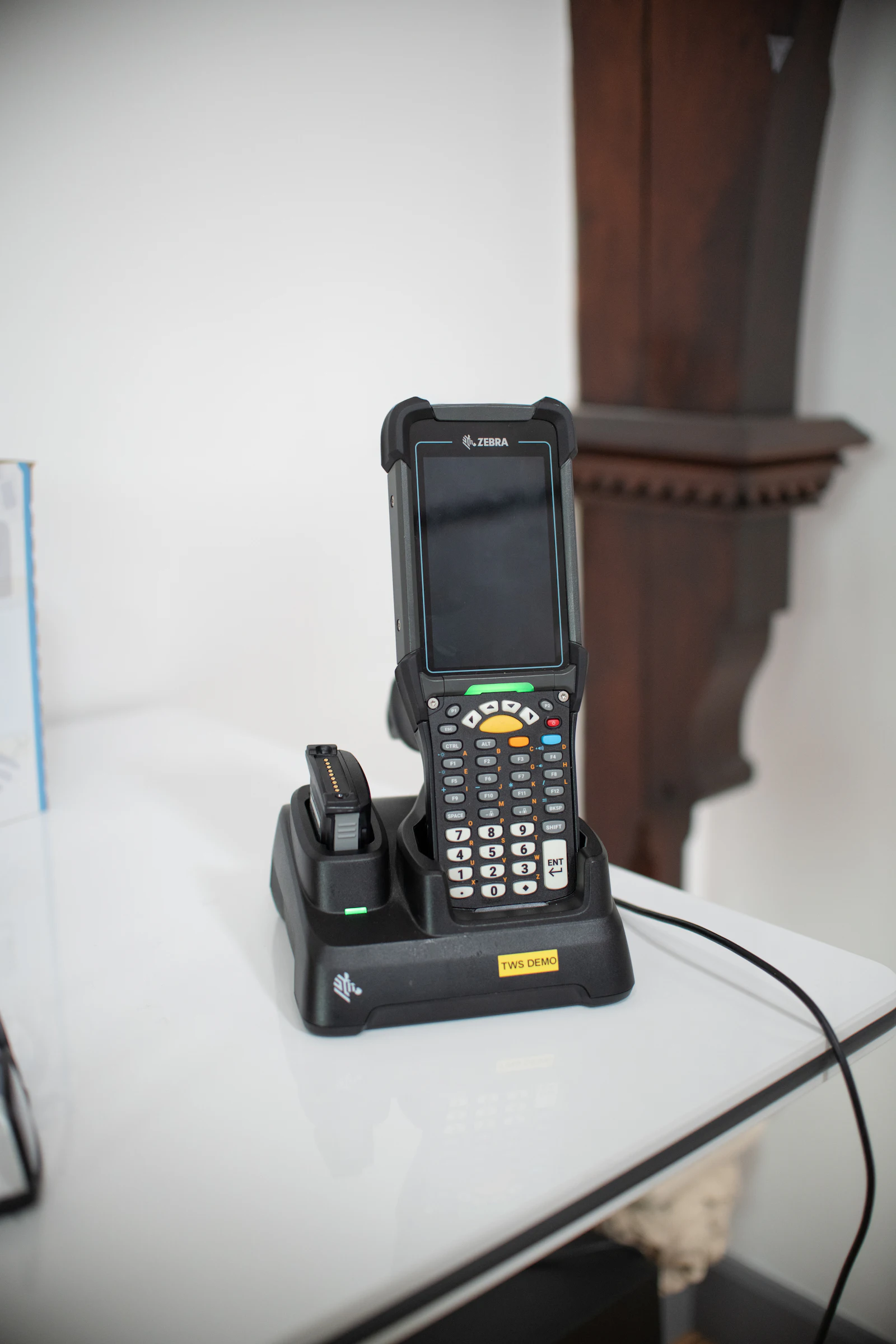
A shop assistant scanning a product barcode.

Barcode scanner

Scan products in one movement at the counter or in stock.

Cashier serving a customer at a supermarket till

Cash drawer and counter

A secure drawer that opens only for recorded sales.
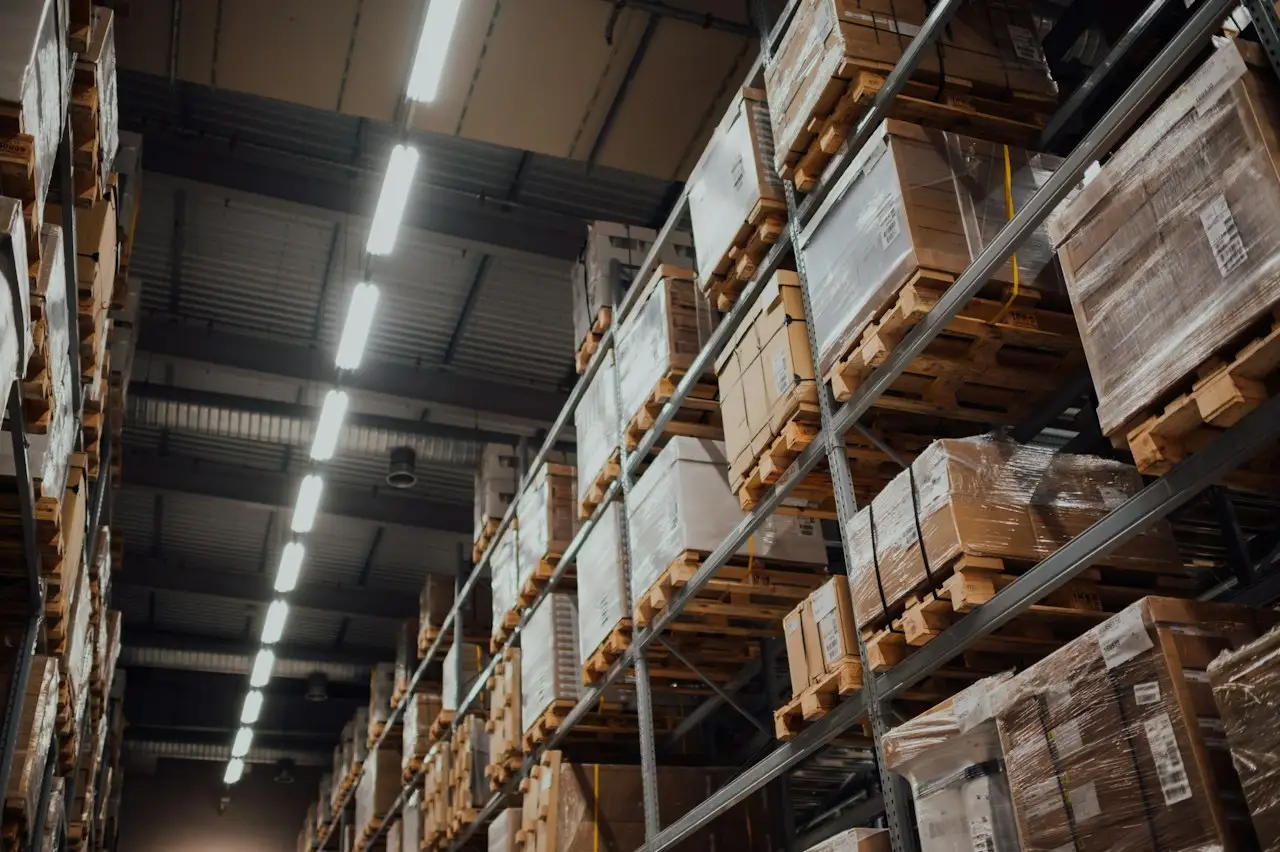
Stocked shelves of boxes in a storeroom

Kitchen printer or display

Sends food orders to the kitchen as soon as they are rung up.
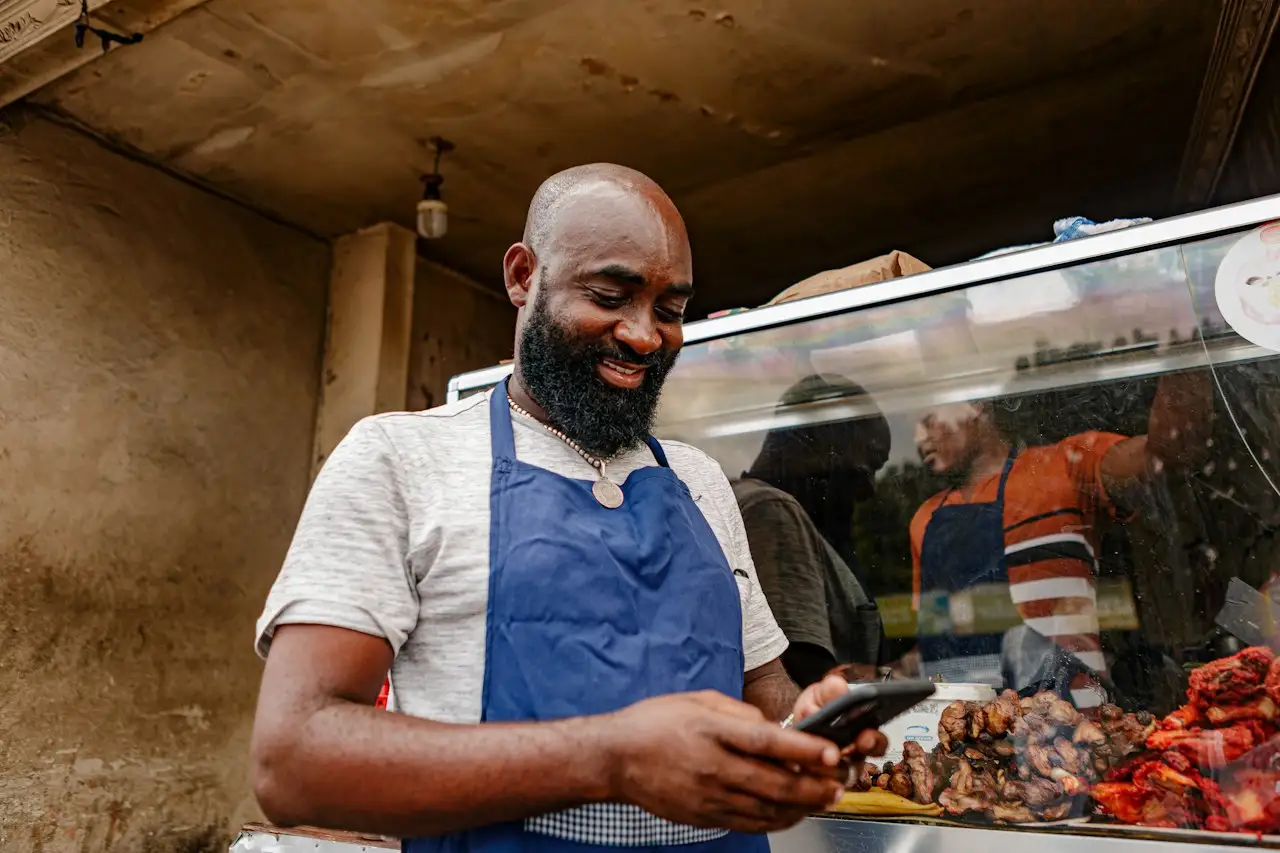
Smiling shop owner checking his phone at the counter

Customer display and staff log-ins

Customers see their order; each staff member has their own log-in.

Before and after

Same business. Sharper.

BeforeAfterIllustrative
  • Paper tickets→Orders on screen
  • Guesswork on stock→Live stock levels
  • End-of-month surprises→Daily reports
  • Wi-Fi that drops→A network built for the building
  • Several suppliers→One team to call

Tailor-made

Built around your organisation.

Every system we deliver is shaped to how you work. Pick your organisation and switch features on or off to see the idea.

Illustrative

Your organisation

Features

Tell us how you work
your-system / restaurant
  • Restaurant
  • Quick checkout
  • Stock deductions
  • Kitchen or bar printing
  • Customer profiles

Welcome back

Restaurant workspace

Quick checkout

Stock deductions

Kitchen or bar printing

Customer profiles

What you get

Delivered, documented, handed over.

  • Needs assessment
  • Configured software
  • Installed and tested hardware
  • Loaded menu or stock data
  • Staff training and manuals
  • Support plan
Smiling shop owner checking his phone at the counter

Who it's for

  • Restaurants, cafés and bars
  • Retail shops
  • Service businesses
  • Single-site and growing businesses

How we deliver

Aimed, built, delivered.

A shop assistant scanning a product barcode.
  1. 01Assessvisit and see how you sell
  2. 02Recommendchoose software and hardware
  3. 03Configureload items and settings
  4. 04Installset up and test on site
  5. 05Trainprepare staff and managers
  6. 06Go livesupport your first days
  7. 07Supportstay available
Stocked shelves of boxes in a storeroom
Card terminal printing a long receipt
Hands using a touchscreen till as a receipt prints

Outcomes

Outcomes

  • Faster service.
  • Better stock visibility.
  • Fewer manual errors.
  • Clearer daily numbers.

Questions

Questions, answered.

Point of sale

Every sale. Every item. Under control.

Tell us what you need. We'll come back with a clear next step.