
Choosing an internet connection used to be simple, because there was often only one option. Today many sites can choose between fibre, wireless links, mobile data and satellite services such as Starlink. Each has strengths. The right choice depends on where you are, how you work and what happens if the connection goes down.
Start with availability
The first question is practical: what can actually reach your site? Fibre depends on whether a provider has laid cable nearby. Wireless and mobile options depend on coverage from nearby masts. Satellite services can reach many places where other options cannot, as long as the dish has a clear view of the sky.
- Ask providers to confirm availability at your exact address, not just your area.
- Check whether installation needs extra work, such as trenching or a mast.
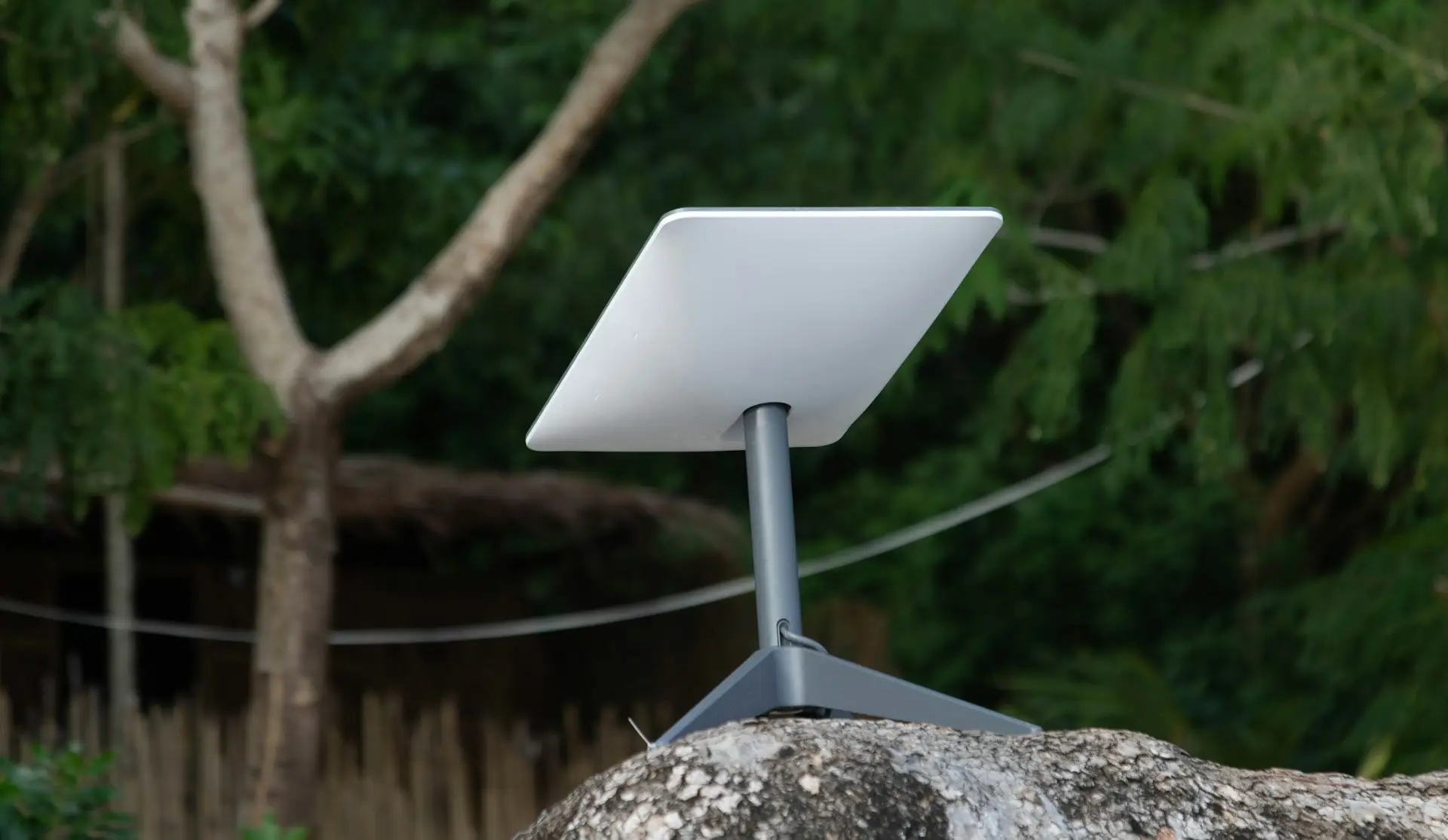
- For satellite, look for a mounting spot with an open view and room for cable runs.
Think about users and use
A small office sending email has different needs from a school running online lessons or a business with cameras uploading footage. List what the connection must support, and when.
- How many people use the connection at the same time?
- Do you upload a lot, for example video, backups or large files?
- Are any systems sensitive to delays, such as video calls or card payments?
- Do you need the connection outside normal working hours?
Fibre: where it fits
Where fibre is available, it is often a strong choice for sites with steady, heavy use. It runs on a physical cable, so it is not affected by weather in the way wireless links can be. The trade-off is availability: if the network does not reach you, it may not be an option.
Starlink and satellite: where they fit
Satellite services can bring a usable connection to remote sites, lodges, farms and rural facilities that have few alternatives. Installation is relatively quick, and the equipment can be moved if needed. Performance depends on a clear view of the sky and the conditions of the service in your area, so a proper installation matters.
Do you need a backup link?
If losing the connection would stop sales, close a clinic's records or interrupt lessons, consider a second connection from a different type of network. A business on fibre might keep a mobile or satellite backup. A remote site on satellite might keep a mobile data option. Equipment can switch between links automatically.
Questions to ask any provider
- What is available at this exact location?
- What equipment is included, and who installs it?
- What happens if the service goes down, and how is it reported?
- Are there contract terms, data limits or fair-use policies?
- Can the service grow if we add users or another site?
The connection is only half the job
Even the best connection will disappoint if the network inside the building is poor. Plan the WiFi, cabling and equipment at the same time as the connection, so the speed you pay for reaches the people who need it.
There is no single best option for every site. The right answer comes from looking at your location, your users and your tolerance for downtime, then matching a connection to that need.