

Most WiFi complaints sound the same: it works in one room and not another, it slows down when everyone arrives, or it drops at the worst moment. These problems are rarely solved by buying a faster internet package. They are usually about how the network inside the building is planned.
Coverage and speed are different problems
Your internet connection is the pipe into the building. WiFi is how that connection is shared inside it. A fast connection does not help a till, a laptop or a camera that cannot hold a good signal. Equally, perfect coverage will not fix a connection that is too slow for the number of people using it.
Good planning looks at both: the connection coming in, and the coverage and capacity needed inside.
Walls, floors and materials
WiFi signals weaken as they pass through walls, floors and some materials. Concrete, brick, metal, glass with coatings and even large mirrors or water tanks can cause dead zones. A single router in a corner office often cannot reach a storeroom, a back kitchen or an upstairs classroom.
- Thick internal walls may need an access point on each side.
- Long corridors and open halls behave differently from small rooms.
- Outdoor areas such as gates, yards and patios usually need dedicated equipment.
Users and devices
Every connected device shares the network: phones, laptops, tills, printers, cameras and smart TVs. Equipment designed for a home can struggle when dozens of people connect at once. Think about the busiest moment of your day, not the quietest.
- How many people connect at peak times?
- Which devices are critical, such as tills, cameras or medical equipment?
- Should guests use a separate network from staff and systems?
Access points, not boosters
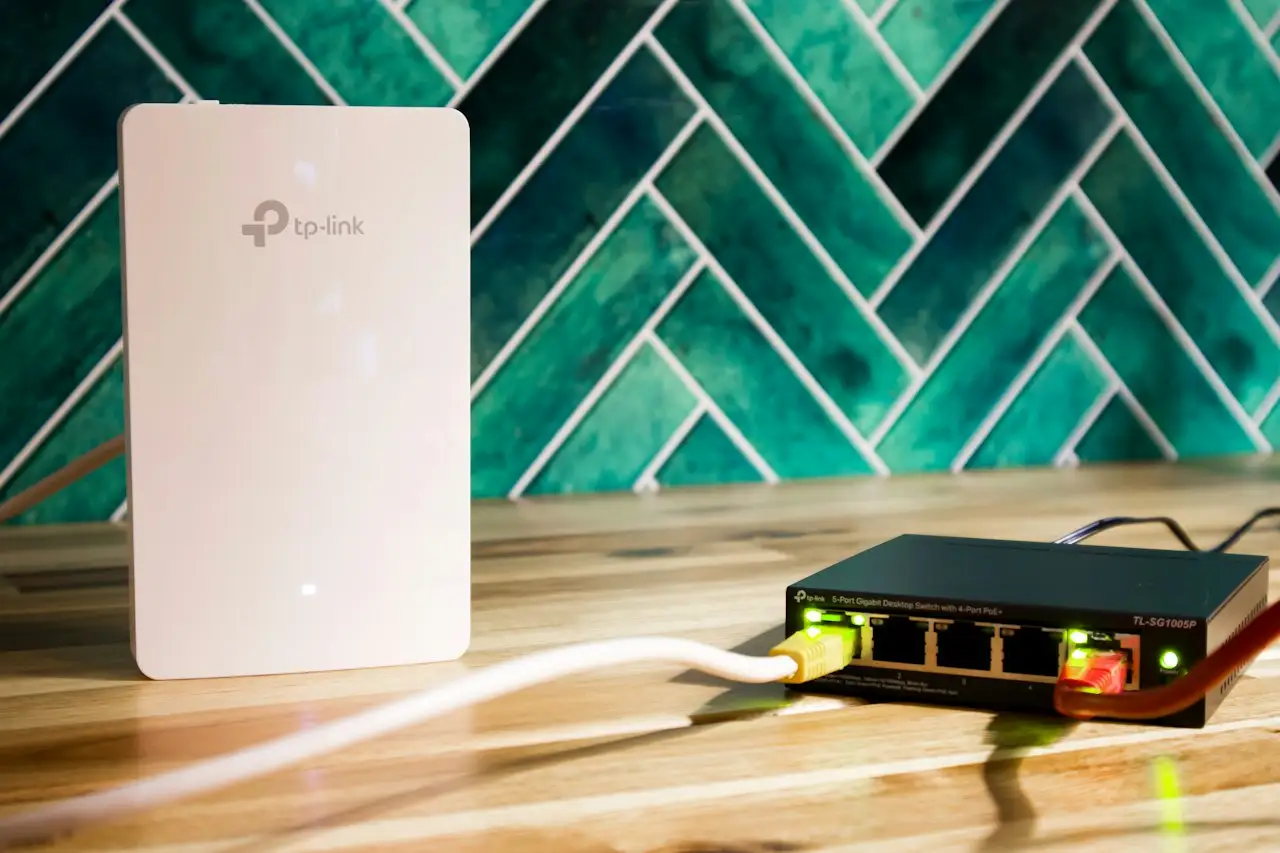
For most businesses, the reliable approach is several access points connected back to the network by cable, rather than wireless boosters that repeat a weak signal. Cabled access points share the load, keep speeds consistent and let devices move around the building smoothly.
Neat cabling matters too. Labelled cables, a tidy cabinet and a simple record of what goes where make the network easier to maintain and faster to fix.
Why a survey matters
A site survey turns guesswork into a plan. It means walking the building, checking signal where people actually work, noting the materials and layout, and talking to the people who use the space. The result is a design that places equipment where it is needed, instead of where it is convenient to install.
- A floor plan showing where coverage is needed most.
- Recommended access point locations and cable routes.
- Equipment suited to the number of users and devices.
- Tests after installation to confirm coverage and stability.
A checklist before you buy
- List the rooms and outdoor areas that must have a signal.
- Count users and devices at your busiest time.
- Identify critical systems that need priority.
- Ask how the installation will be tested and documented.
- Plan for growth, such as new rooms or more staff.
Reliable WiFi feels invisible. People stop thinking about it because it simply works. Getting there starts with understanding the building, not with buying another router.