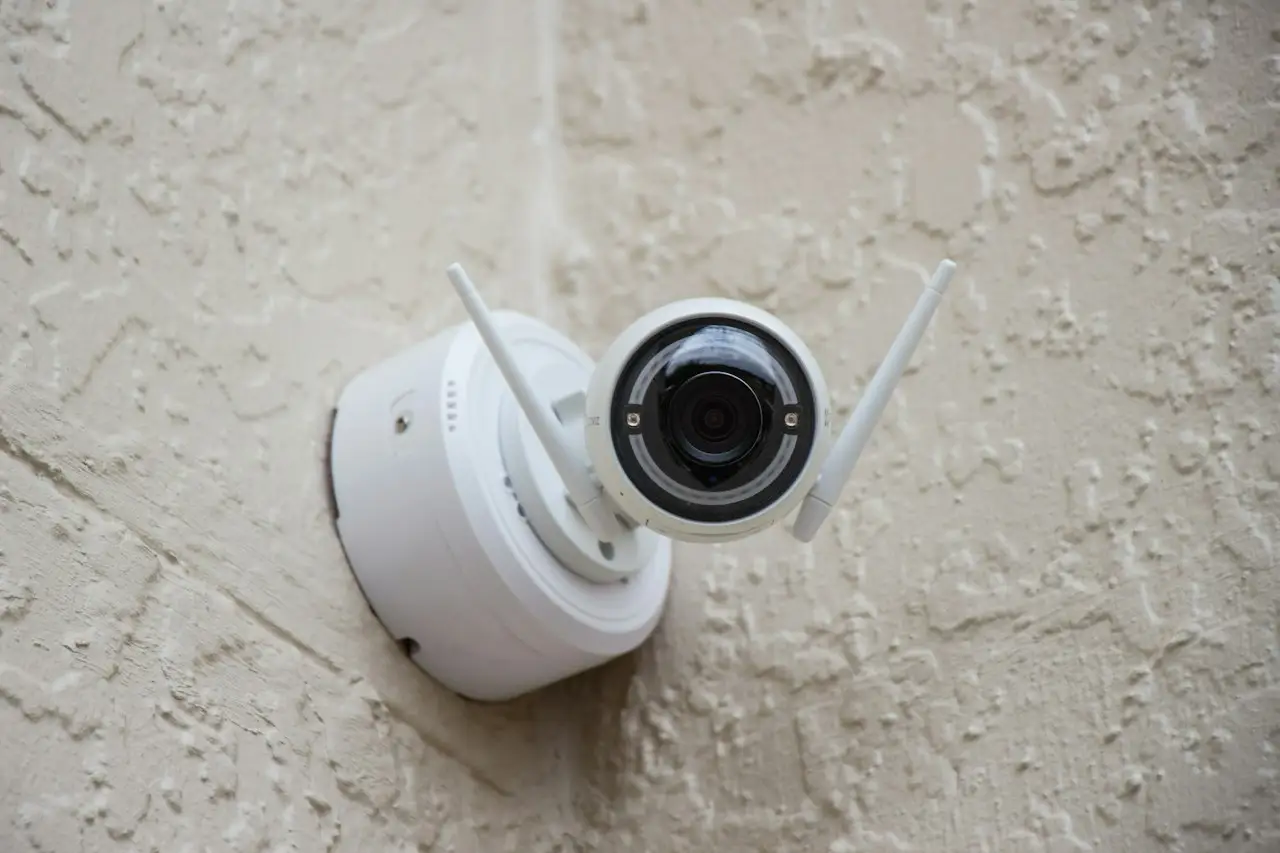

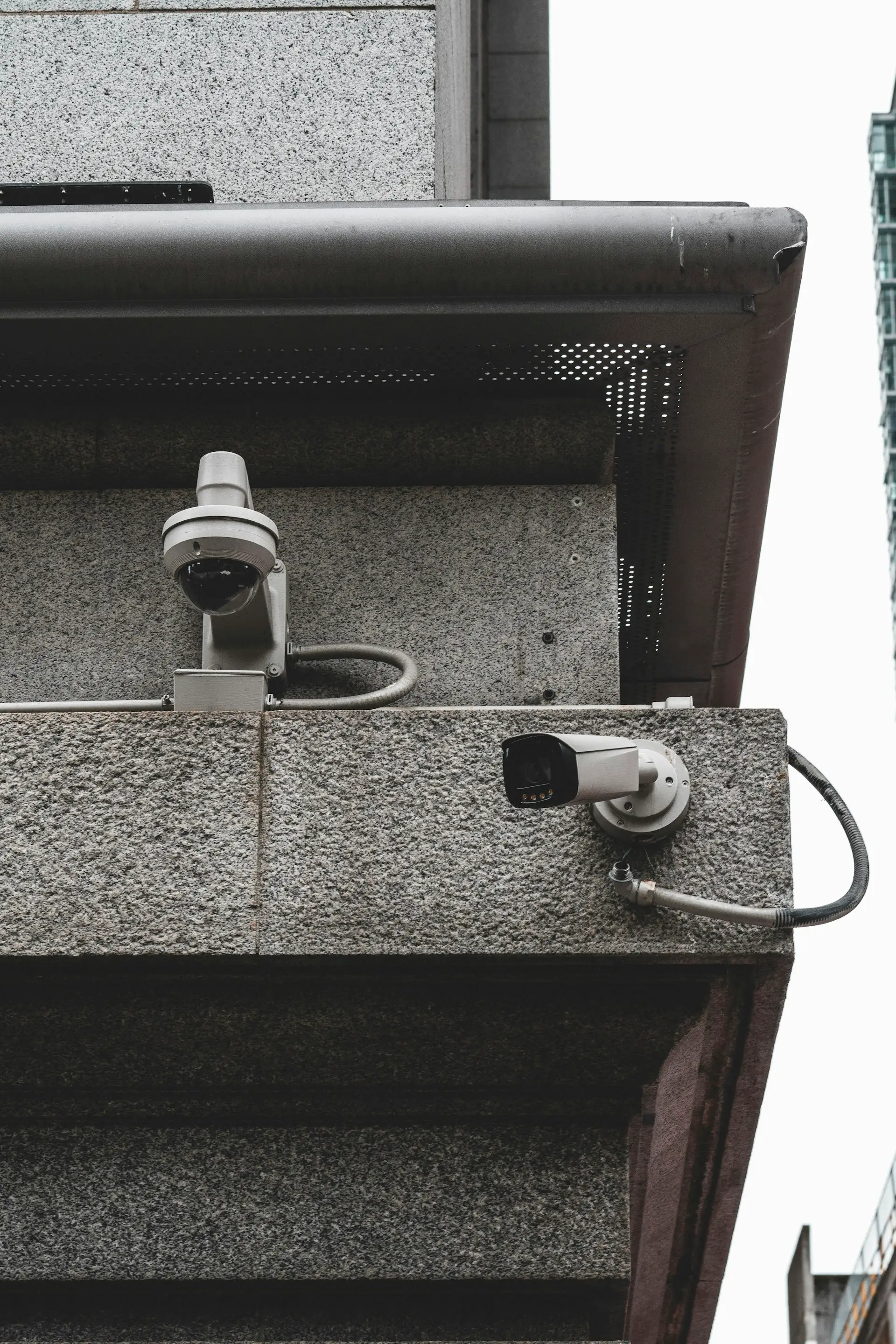
Many businesses only discover their CCTV system's weaknesses when they need footage. The camera was pointing the wrong way, the image was too blurry to recognise anyone, or the recording had been overwritten. A useful system is planned around the moments that matter.
1. Coverage: cameras in the right places
Start with risk, not with a number of cameras. Walk the site and note where people enter and leave, where cash is handled, where stock is stored and where nobody can see. These are the areas that need coverage.
- Entrances and exits, including back doors and gates.
- Cash points and counters.
- Stock rooms and loading areas.
- Car parks and outdoor approaches.
- Blind spots that staff cannot see from where they work.
Each camera should have a clear purpose. Is it there to give an overview of a space, or to capture detail such as faces at a door? These need different positions and lenses.
2. Image quality that fits the purpose
Resolution matters, but so do lighting, angle and lens. A camera facing a bright doorway may show only silhouettes. A wide view of a car park may not capture enough detail to identify anyone. Test views at different times of day, including at night.
3. Storage you can rely on
Footage needs to be kept long enough to be useful. How long depends on the number of cameras, the image quality, the recording settings and the storage installed. Agree on a target, then check the system actually meets it.
- Decide how many days of footage you want to keep.
- Check whether recording is continuous or triggered by motion.
- Make sure the recorder is protected from tampering and power cuts.
4. Access: who can see what
Footage is only useful if the right people can find it quickly. Set up user accounts so managers can review recordings, and limit who can delete or export footage. Remote viewing on approved devices can help owners check a site when away, where the system supports it.
Treat footage as sensitive information. Think about who should be able to view it, and take advice on any obligations that apply to your business.
5. Maintenance
Cameras get knocked, lenses get dusty, cables degrade and storage fills. A system that worked on installation day can quietly fail months later. Regular checks keep it dependable.
- Check every camera's view and focus.
- Confirm recordings are being saved and can be played back.
- Clean lenses and housings, especially outdoors.
- Review whether coverage still matches how the space is used.
Do not forget access control
Cameras show what happened. Access control helps stop it happening. Door access systems control who can enter sensitive rooms and keep a record of entry. Together they give a fuller picture of security.
A useful CCTV system is not the one with the most cameras. It is the one designed around your real risks, installed neatly, tested properly and looked after over time.